A document that grows with you.
Go back to the wording, add details, and keep working with the knowledge you've gathered.
 NitAiEnter the Studio ↗
An image that stops the scroll. A video that tells a story.
Music that stays in your head. It all starts with your idea.

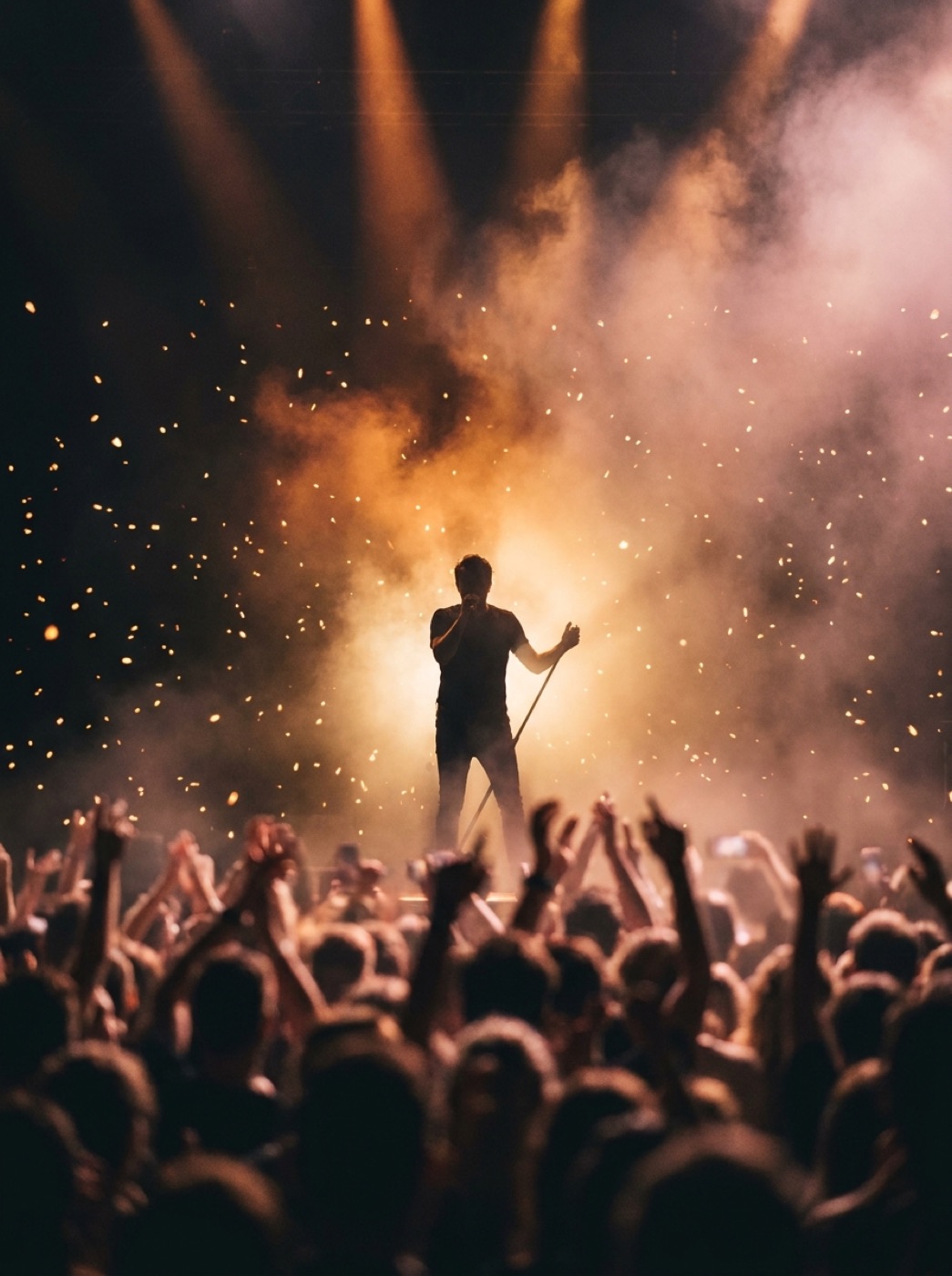
One sentence. A whole world to imagine.
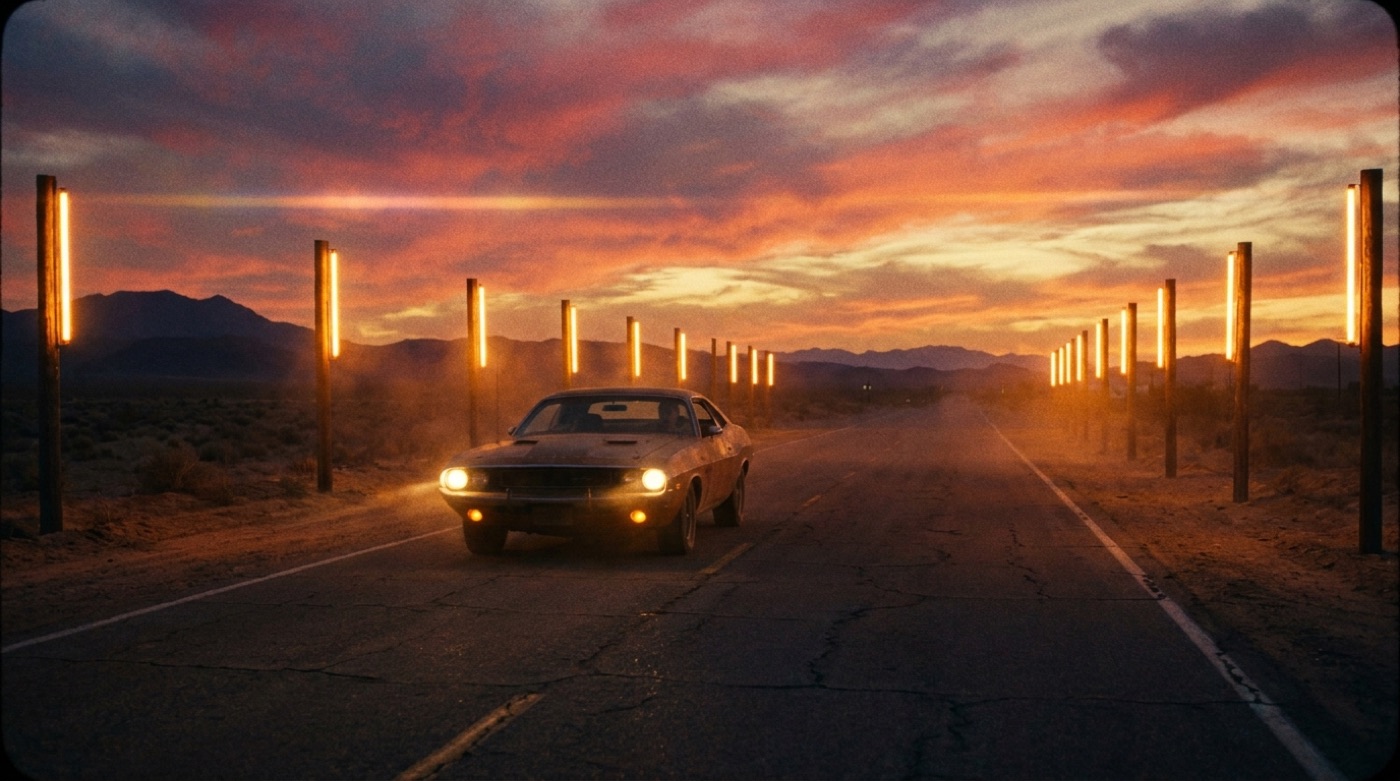
A drive through the desert, moments before the sun disappears. Every creation starts with the image in your head.
A drive through the desert at sunset. Warm light, open spaces, and a feeling of new beginnings.
↵An image becomes your starting point. Add editing, voice, and formats ready to publish. Every tool also works on its own, so you can keep creating at your own pace.
Now you can hear it and see it too.
Examples from the NitAi library. Pick a video, song, or voice and hit play.
SongsListen to the pacing and character of each voice.
Playback starts with your click. The samples load from the site and need an internet connection.
The details change the feel
Drag the line and see how color changes the mood. In the Image Studio you can keep editing, remove the background, sharpen, and try another direction.
A local color demo, no AI generationTo the Image Studio ↗Documents, videos, slides, and links all go into one notebook. Talk with your sources, jump back to quotes, and build them into things you can study, present, and share.
Open NitBook ↗Sample notebook: the ROAM launch. This demo runs locally and is ready to go.ROAM is a sample travel brand. The campaign speaks to people looking for a vacation with open space, curiosity, and their own pace.
The core message is that the journey is part of the story, based on the sample brief.
Click a source number in the answer to open the relevant section.
NitBook: "Per the launch plan, you need to check the narration and the landing page on mobile."
Sample transcript. The voice conversation is available in the actual notebook.Same ROAM brief. Follow the message, audience, and outputs as they take on a new structure.
Spot the ideas inside the source.
Your choice will stay with you through the examples and the summary at the bottom of the page.
Your path: presentation
Pick an output and try the preview. The content is based on the sample notebook above.
The demo preview is ready to go. New creations and professional exports happen inside NitBook.
The sample sources turn into a presentation, podcast, document, quiz, and more. Enable JavaScript to try the previews.
Word and PDF files, opening in Google Docs, editing a presentation through chat, and turning a presentation into a video with narration and captions.
Go back to the wording, add details, and keep working with the knowledge you've gathered.
Build a slide sequence from your sources, and edit the presentation in chat.
Go from the presentation to a video with narration and captions.
These displays are ready-made examples. You create, edit, and export your own material inside NitBook.
Upload a stack of documents, and get analysis, a chat with citations, and creations based only on them.
This is a research notebook. Upload documents, presentations, spreadsheets, images, links, and YouTube videos, and the system reads each source separately and keeps a summary. Then it finds the thesis, the numbers, the gaps, and the tensions between sources. Every answer in chat carries a numbered citation to the source it came from, and if something isn't in the material, it says so clearly.
From the same sources: a study guide, Q&A, timeline, mind map, briefing, and podcast.
Once the sources are read, every additional creation costs just one credit. The podcast is a real audio file with two hosts, at the length you choose, and from the notebook you can also build a full presentation and then a narrated video on top of it.
The Builder
A landing page shows content. An app also holds data: tables, user logins, and permissions. Every creation comes with an editor and a shareable link, and you can keep editing in chat.
An experience that starts from the first moment.
Enter any studio
Opening and closing shots, scenes, voiceover, and captions. From a short clip to a full production you can edit at every step.
Opening · where the story beginsClick a scene to see how it fits into the sequence.
See real videos ↓Describe a scene and get video with real camera movement, from text or from an existing image.
Studio runs the world's leading video engines from the same screen. Start with a sentence, or upload an image and let it move. Pick an aspect ratio, length, and resolution, and the price shows right on the button before you click.
One topic goes in, and a complete ad with script, scenes, and voiceover comes out.
This is the studio that builds a movie, not just a clip. The system writes a script, breaks it into scenes, creates a storyboard, produces a clip for each scene, records voiceover for each one, then puts it all together into one file with music. You can edit every step before moving on.
Upload a video and get it back with captions already burned in, plus an SRT file.
Most transcription engines get names and numbers wrong. Here the words come from a precise language model, with timing handled separately, so names and numbers come out right. Captions show one line at a time, with the spoken word highlighted.
A long video goes in, and vertical clips with captions come out, ready for social.
A model reads the transcript, flags the moments that stand on their own, and cuts them into vertical clips. There are two framing modes: center crop for a talking head, and blurred-edge framing when there's a slide, chart, or text on screen you can't lose.
A full editing canvas: timeline, layers, styled text, stickers, and captions.
A real browser-based editor, working with files already in your Vault. Drag clips to the timeline, add text with ready-made effects and styles, stickers, logo, and captions, swap the soundtrack, and even generate an image with AI without leaving the screen. What you see on the canvas is exactly what you get in the render.
An ad in creator style, with a character talking to the camera about your product.
The format that works best on social is a real person talking to the camera. The Studio creates exactly that: pick a character and style, describe your product, and get a finished ad with synced speech.
A product shot, an imaginary world, or a character. Edit the details, sharpen the result, and create a direction you can build on.

One description in your own words, and a print sharp image. Includes editing of existing photos.
The same Studio does four things: creates an image from text, edits an image you upload without touching the rest of the frame, upscales resolution, and removes backgrounds. Text inside the image comes out clean, so you can make flyers, ads, and menus with the text and prices built right in.
A styled portrait made from your photo, for a profile or a brand.
Upload a photo and pick a style, and the engine returns a portrait that still looks like you. Useful for profile photos, business cards, and team pages.
A logo or static image becomes a GIF that animates on its own.
Upload an image, and the engine animates it and converts the result into a real GIF. Great for an email signature logo, a sticker, or a small banner.
A song with lyrics and melody, narration, covers, voice separation, and clip editing. You stay in the same Studio the whole time.
Melody.The players include sample selection, volume control, and scrubbing through the recording.
A complete original song with vocals: lyrics, melody, arrangement, and production.
Write what the song is about and in what style, and get a complete recording. The same Studio also offers covers of existing songs, adding vocals to an instrumental track, adding accompaniment to vocals, extending a section, swapping out a section, separating vocals from the backing track, writing lyrics, and voice effects.
Pick a voice and a tone, and get narration that sounds like a person, not a robot.
Most narration engines misread words with more than one pronunciation, like reading "record" as a noun when you meant the verb. Here, the text gets checked for correct pronunciation automatically before it's read, so it always comes out right. Long text gets split into sections, recorded, and stitched together with no audible seams, plus a check to make sure the audio never cuts off mid-sentence.
A website, app, game, or presentation. Keep editing through conversation and connect the result to what your business needs.
Interactive previews for demonstration. The real creation happens in the Builder.
Describe what you need, and get a full page in seconds, with an editor and a shareable link.
The Builder creates a real page, not a template: text, images, forms, and animations. Once it's built, an editing studio opens where you can change any word, swap an image, or generate a new one in its place. The page gets a permanent address you can share.
Not just a page. An app with a real database, real end users, and real permissions.
Describe a system, and get a working app: database tables, end-user login with an email code, and permissions for each table separately. There's an admin dashboard with the data, users, permissions, and Excel export, plus its own friendly address.
A designed presentation with illustrations, followed by a narrated video of it with one click.
Three types: a poster presentation where each slide is its own artwork, a presentation where the image is the background with editable text on top, and a presentation designed in code. Before building the full deck, you can request one title slide for approval, and everything else gets built locked to that same style.
A game you can actually play, from one description, with a shareable link.
Trivia, a memory game, a customer quiz, or a small arcade game. The game is built as a standalone page. You can edit it and send a link.
Give us your website address and get a full campaign kit built for your business.
The system reads your website, understands what your business does and who your audience is, and builds a kit: ads, flyers, social media copy, and images. Everything is saved together and stays available even after you leave.
Keep the conversation going, work with files, and come back to your creations with the prompt that made them. Try saving the image and opening it in the vault in the example.
A local demo environment. Anything you add here never gets sent to any service.
The chat lets you work with files, and the vault saves creations with the prompt. Turn on JavaScript to try the local demo.
All the top models in one conversation. Switch between them without losing context.
One conversation you can switch between models mid-stream, so you can get a second opinion without starting over. The chat reads files and images, searches the web when the topic needs current info, and shows the price per message for each model before you send.
Everything you create is saved automatically, with the prompt that made it.
The vault saves every creation with the description that made it, and lets you filter by type, search, download, share, and "use again" to make another version from the same description.
Files you upload are available to every studio.
Images, videos, and audio you upload live in one place and are available to every tool: image editing, image-to-video, captions, and clips.
Advanced creative tools, in your own words.
Less switching between apps.
More room to try, refine, and create.
Write an idea and save it to continue in the Studio.
A scene, product, style, or song. Start with what's in your head.
Image, video, or music. Match the tool to the idea.
Try another direction, change details, and keep going until the idea takes the shape you want.
Plan the direction here, copy the idea, and keep creating in the Studio. Image for illustration only.
All NitAi studios draw from the same balance. Buy a one-time pack, and each creation uses credits at the price shown upfront.
See the idea.400 free credits when you sign up. Every creation shows its price before you start.
Try a small idea and see where it goes.
1,000 Credits
Buy now ↗or about 5 videos
or about 100 chat messages
For your first project, with room to try a few directions.
5,000 Credits
Buy now ↗or about 25 videos
or about 500 chat messages
For regular creators who need more room to work.
10,000 Credits
Buy now ↗or about 50 videos
or about 1,000 chat messages
For businesses and productions that need high-volume creation.
50,000 Credits
Buy now ↗or about 250 videos
or about 5,000 chat messages
The creation amounts are estimates based on the pricing examples on the site, not a guaranteed quota. Each line shows a different possible use of the same balance. Actual amounts depend on the model, length, and resolution. You can mix creation types, and the exact price appears in the Studio.
Pay in US dollars with any debit or credit card through PayPal. No PayPal account needed. You get a receipt by email. Credits are valid for 60 days. You choose and pay on the purchase page, where the current terms appear.
See pricing details and terms ↗Start creating
Sign up with Google or email, pick a studio, and write in plain English. Download your result, share it, or keep editing. The price of each creation is shown upfront.
See packages and current pricing ↓You get 400 free credits when you sign up. Each creation shows its price before you start.
60 days from the date they're credited, according to the package terms. Current terms are shown on the purchase page.
Yes. In the studios you can choose between models and try a different direction. Cost and options vary by model and action.
Information about rights and commercial use appears in the Terms of Use. Also check the rights to any images, voices, and materials you upload.
You can start with a simple description in your own words. Just say what you want to see or hear, and refine the details with each try.
Images and image editing, videos, songs, and voiceovers. There's also chat, document tools, and tools for building landing pages and campaigns.
Check the cost of the action in the Studio before you create. Current packages and terms appear on the pricing page.
The media and screens here are ready-made examples you can explore and try. Your own creations are made and saved in the NitAi studios.
You chose to build a presentation.
Copy the brief and open a notebook with your sources.
Your choice is saved in this browser. The brief is copied manually into the notebook, and the examples on the page are ready-made.